
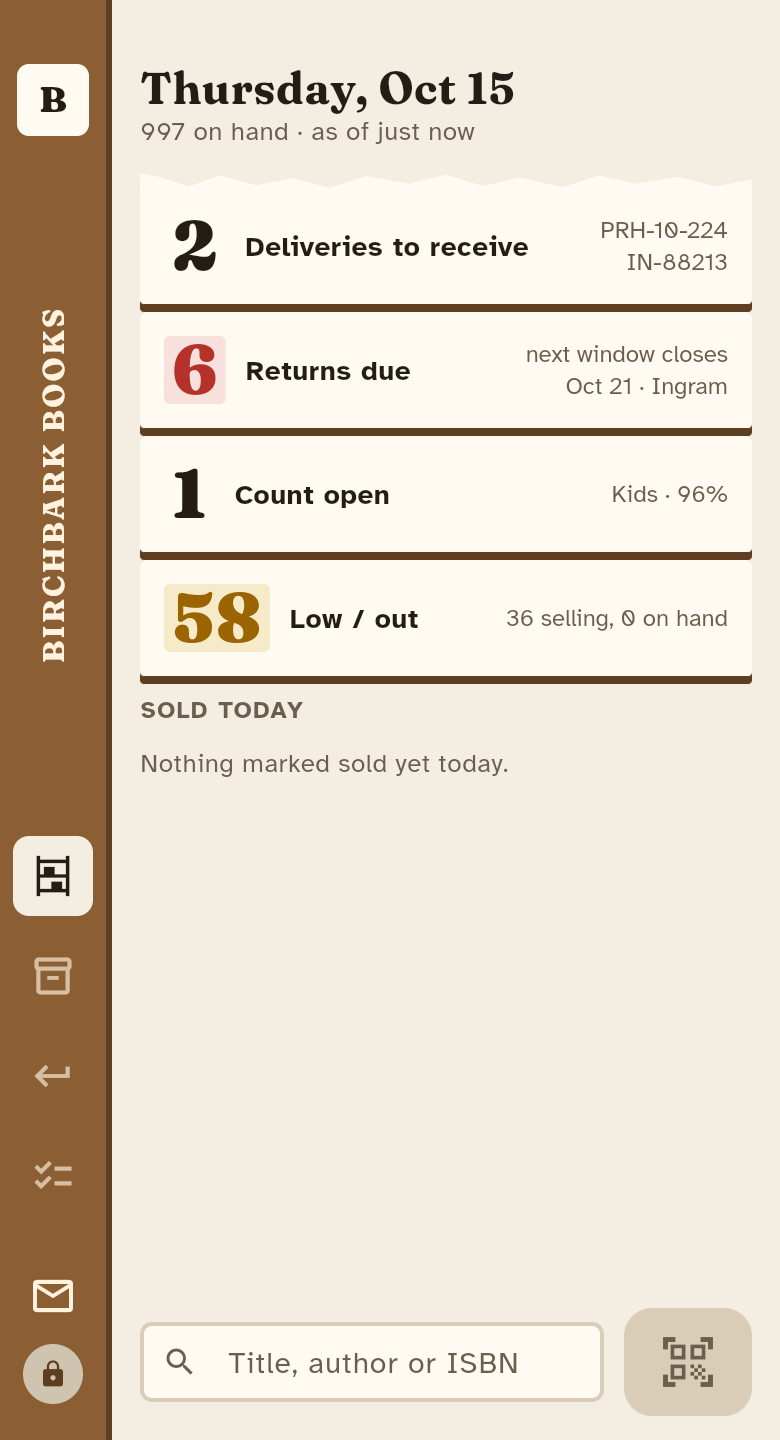
What it does
Receive with the ISBN scannerScan a box in from Ingram or a publisher; each book lands in its section with its cost and return-by date.
Never miss a return windowThe pull list shows what has not sold and whose window closes in the next 30 days, grouped by vendor. The returns radar on the web shows the cost at risk by closing week for eight weeks, each vendor’s minimum, and credit memos against what was sent.
Count a section at a timeExpected against counted as you scan, with the adjustments written when you close.
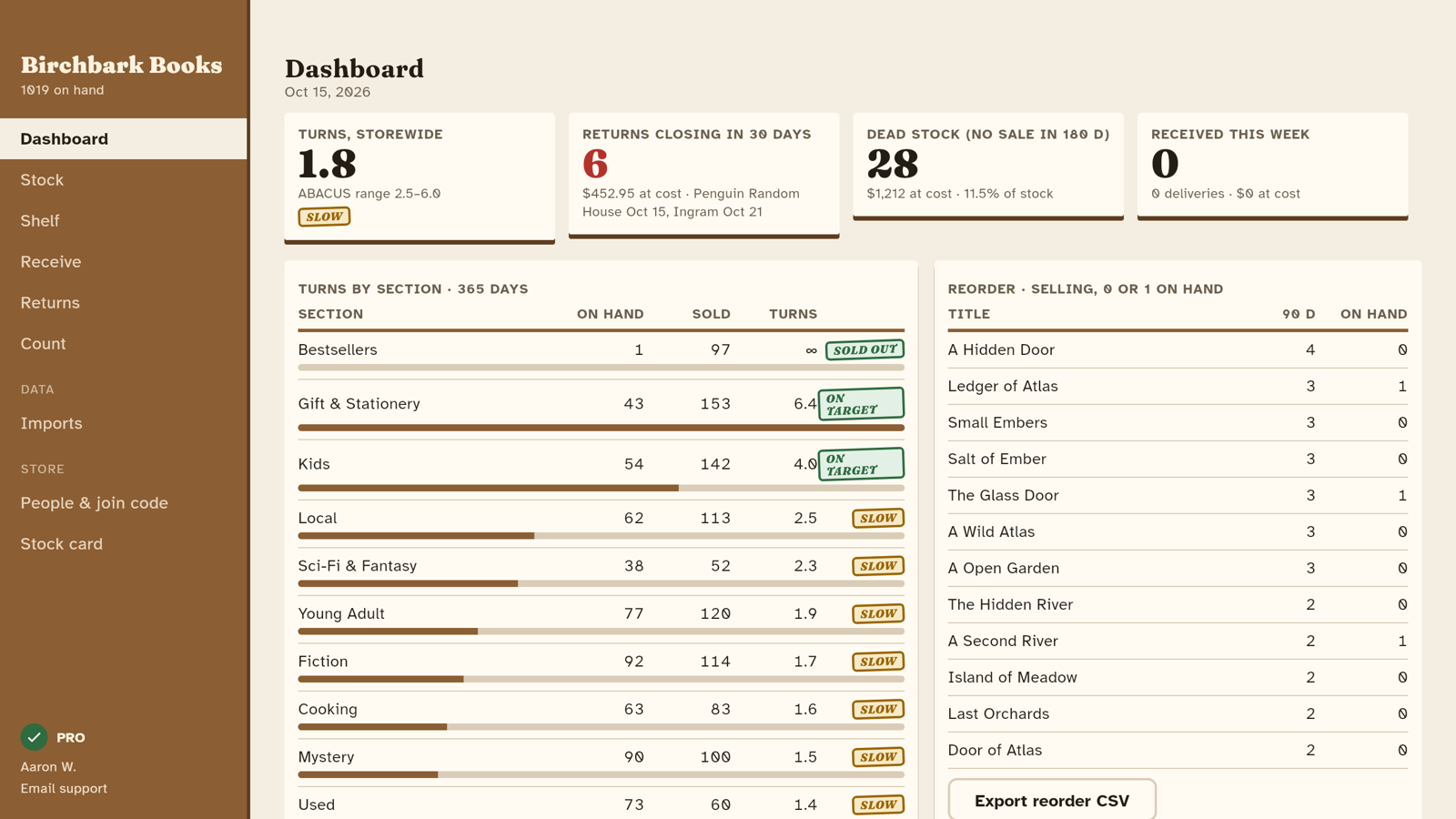
Turns by section and dead stockEvery section’s turns beside the range booksellers aim for, dead stock at cost and what to reorder.
Works beside your POSReads ONIX files and the stock and sales exports of Anthology, Booklog, IBID, Bookmanager, Square and others. Never writes to your POS.
One store, every phoneThe owner signs in with Google; staff join with the store’s code, with or without an account.
The back office in your browser
The web app is free and is the same store your phones scan into: dashboard, stock, imports, returns and people. Open the web app, or try it with a sample bookstore first. Pro on the web starts with a 14-day free trial.
Guides
- How publisher returns work for bookstores
- How to count bookstore inventory by section
- Inventory turnover for bookstores: what is a good turn rate?
- How to Track Book Returns Before the Window Closes
- Used Book Price Lookup for Bookstores
- Bookstore POS or Inventory App: What Each Should Do
Pricing
Free for one store with up to 300 titles and 2 people. Bookstore Counter Pro adds unlimited titles and people, 12 months of analytics, imports, return documents and the BookScan file, with a 7-day free trial through Google Play, priced in your currency.